Tag Dynamics 365 Business Central

Business Central Multi-Bank Payment Export | Dynasol Multi-Bank Payment Export
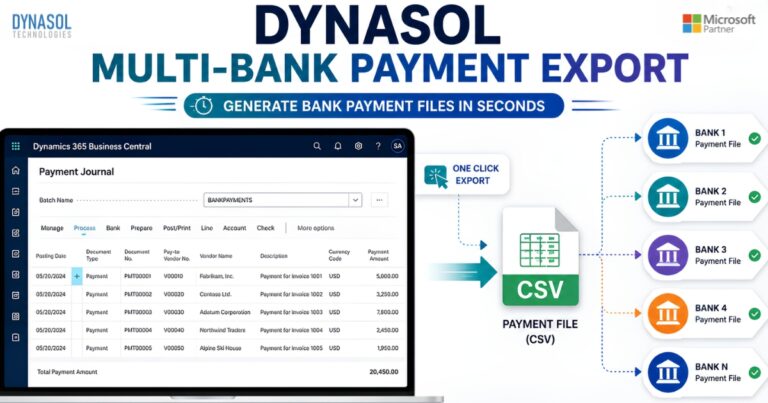
Dynasol Multi-Bank Payment Export automates bank payment CSV generation for multiple banks in Microsoft Dynamics 365 Business Central.

Dynasol Multi-Bank Payment Export is a Microsoft Dynamics 365 Business Central extension that enables businesses to generate customized bank payment CSV files for multiple banking institutions. The solution allows users to create reusable bank-specific templates, configure dynamic field mappings, define CSV column sequences, automate payment file generation from Payment Journals, and maintain export logs for auditing and compliance. Designed for finance teams, the extension simplifies payment processing, reduces manual effort, and ensures payment files match each bank's required format.

Dynasol Assembly BOM UoM

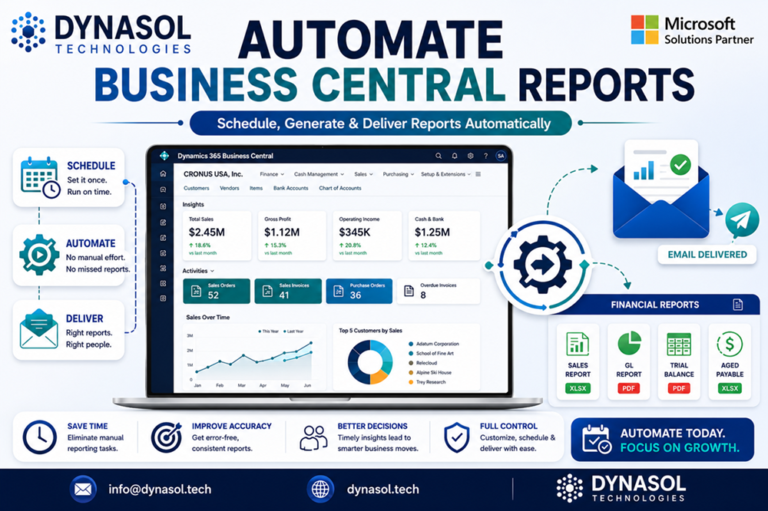
Bring real-time costing and pricing directly into your Assembly Bills of Materials. Eliminate manual updates, outdated figures, and spreadsheets – get accurate assembly costs and margins instantly in Dynamics 365 Business Central. What This Extension Does? Dynasol Assembly BOM UoM…

Australian Payroll System

Pay Items Setup This page centralizes your salary configurations and ATO compliance settings. Financial Mapping: Set default G/L accounts for salary expenses, liabilities, and superannuation. Tax & Compliance: Configure PAYG withholding, Medicare levies, and the 12% Superannuation Guarantee. Payment Workflow:…

Pipedrive Integration with Dynamics 365 Business Central

Pipedrive Integration Addon - Cover

Pipedrive Integration with Dynamics 365 Business Central — Dynasol Technologies × Pipedrive Integration for Dynamics 365 Business Central Introduction The Dynasol Technologies Pipedrive Integration for Dynamics 365 Business Central enables seamless synchronization of Deals, Persons, Organizations, Items, and key revenue…

Guide to Personalizing Your Dynamics 365 Business Central Dashboard

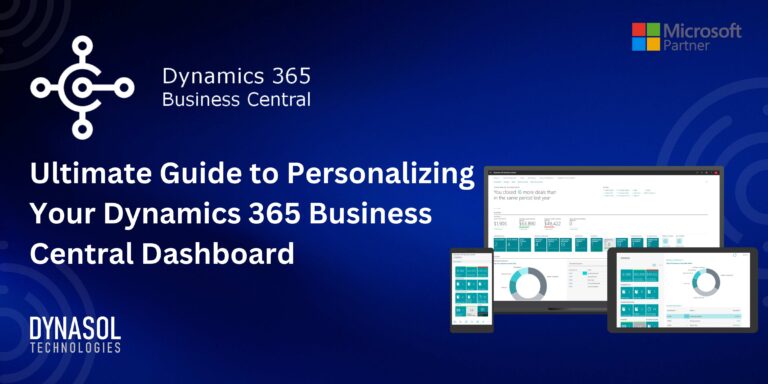
Personalizing Dynamics 365 Business Central Dashboard

Learn how to personalize your Dynamics 365 Business Central dashboard to boost productivity and streamline workflows. This guide covers key steps, including identifying important metrics, customizing tiles, integrating Power BI reports, and setting up notifications. Personalizing your dashboard helps you focus on the most relevant data, making better-informed decisions and enhancing your business operations. Start optimizing your Dynamics 365 Business Central dashboard today.